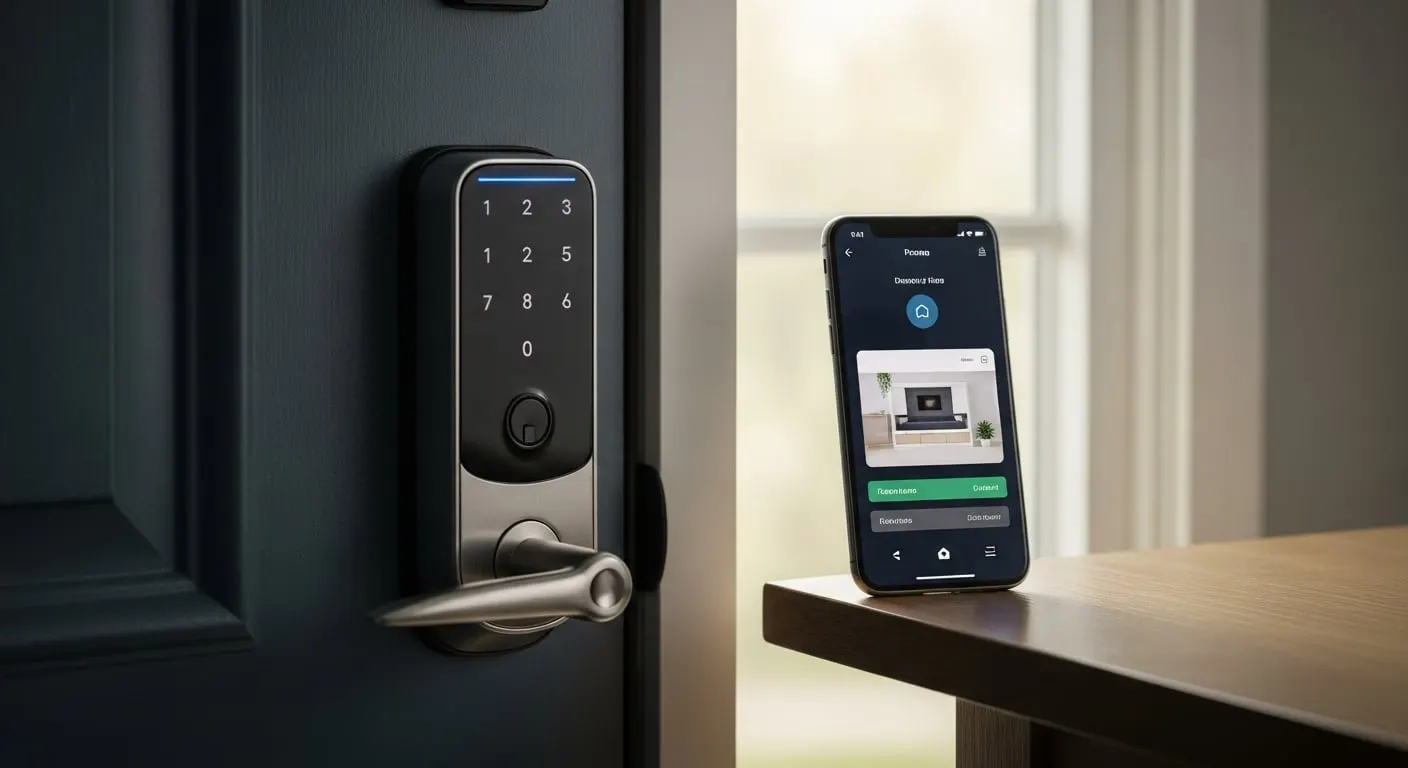
Quick answer: For Plano homeowners installing smart locks in 2026, the cybersecurity-optimal choice is a Z-Wave-based smart deadbolt (Schlage Connect Z-Wave, Yale Assure Z-Wave) integrated through a local hub. Mechanical grade: ANSI/BHMA Grade 2 or better. Installation cost: $150–$250 plus hardware. Avoid direct-Wi-Fi locks with default passwords or short manufacturer-support lifecycles.
TL;DR
Smart locks are mechanical deadbolts with an electronic control layer — typically Z-Wave, Wi-Fi, or Bluetooth — and a keypad or smartphone-app interface that supplements or replaces a physical key. Per the NIST Cybersecurity for IoT Program guidance (NISTIR 8259 / NIST IR 8425), the security profile of a smart lock depends on four dimensions: secure firmware update mechanism, encrypted communication, authenticated user access, and the manufacturer's support lifecycle commitment.
For Plano homeowners specifically, the most important structural decision is the connectivity protocol: Z-Wave (closed mesh network requiring a local hub) is significantly more secure than direct Wi-Fi (the lock has its own IP address and is exposed to internet attack surfaces). Per FTC consumer guidance on connected-device security, the protective behaviors center on WPA3 Wi-Fi support, automatic firmware updates, no default passwords, and end-to-end encryption between lock and app.
This guide walks through the smart-lock buying and installation decision framework for Plano homes — connectivity tradeoffs, mechanical-grade selection per ANSI/BHMA standards, real installation costs, and the operator credentials worth requiring for installation work.
Z-Wave vs. Wi-Fi vs. Bluetooth — the connectivity decision
Smart locks use one of three primary connectivity protocols, with significant security and operational differences:
- •Z-Wave: closed mesh network requiring a local hub (SmartThings, Hubitat, Ring Alarm Pro). Lock has no IP address, no internet exposure. Best cybersecurity profile.
- •Wi-Fi (direct): lock connects directly to the home Wi-Fi network with its own IP address. Convenient but expands attack surface to anything that can reach the lock's IP.
- •Bluetooth (proximity-only): lock unlocks via Bluetooth proximity to a paired smartphone. Limited range (~30 feet) but minimal attack surface. Some products add a Wi-Fi bridge for remote management.
- •Thread / Matter: emerging protocol (2024+) that combines Z-Wave-like mesh networking with broader vendor support. Worth considering for new installations in 2026.
Mechanical grade — what ANSI/BHMA standards mean for smart locks
Per the BHMA certified products directory, smart locks (like all deadbolts) are graded under ANSI/BHMA A156 across security, durability, and finish. The smart-lock-specific consideration: the electronic layer adds convenience but does not change the mechanical security profile. A Grade 3 smart deadbolt is still a Grade 3 deadbolt — pick-resistant to ~200 pounds of force, rated for 250,000 cycles.
For Plano single-family front-door applications, the structural recommendation is a Grade 2 or higher smart deadbolt: Schlage Encode (Wi-Fi, Grade 1 certified), Schlage Connect Z-Wave (Grade 2), Yale Assure Z-Wave (Grade 2), Kwikset Halo (Grade 2, Wi-Fi). Grade 3 smart locks ($79-$129 budget tier) are appropriate for low-risk applications — back doors, garage entries, rental-property internal doors. The ALOA residential training framework recommends Grade 2 as the floor for primary residential entries.
NIST IoT cybersecurity guidance applied to smart locks
Per NIST IR 8425 (Profile of the IoT Core Baseline for Consumer Products), the consumer-IoT-security baseline includes: asset identification, product configuration capabilities, data protection (encryption in transit and at rest), interface access control, software update mechanism, and cybersecurity state awareness. For a smart lock specifically, the practical checklist:
- •Does the manufacturer publish a cybersecurity policy and disclose support lifecycle dates?
- •Does the lock support automatic firmware updates (not user-initiated)?
- •Is the lock-to-app communication encrypted end-to-end?
- •Does the lock allow no-default-password configuration during initial setup?
- •Does the manufacturer commit to security patches for at least 5 years post-purchase?
- •Does the lock support WPA3 if Wi-Fi-connected?
- •Is there a documented vulnerability disclosure / bug bounty program?
Recommended smart locks for Plano homes (2026)
Based on the NIST IoT baseline criteria combined with ANSI/BHMA mechanical grading and DFW market availability, the structurally-recommended smart-lock choices for Plano single-family homes in 2026:
- •Z-Wave / Local-hub tier (best cybersecurity): Schlage Connect Z-Wave (BE469ZP), Yale Assure SL Z-Wave
- •Wi-Fi direct (convenience trade-off): Schlage Encode (BE489WB) — Grade 1 certified, automatic firmware updates
- •Premium with manufacturer support: Yale Assure Lock 2 (Matter-certified, multi-protocol)
- •Budget tier (Grade 2): Kwikset Halo Touch (Wi-Fi, biometric)
- •Avoid: any smart lock from a manufacturer without a published cybersecurity policy or sub-3-year support lifecycle
Installation process and what a Plano locksmith does
Smart-lock installation is typically 30-90 minutes per door. The process: remove the existing deadbolt, prepare the door bore (most smart locks fit a standard 2-1/8" bore — but some require minor enlargement), install the deadbolt mechanism, mount the keypad-or-electronics side, install the interior thumbturn and electronics module, install batteries, pair to the hub or Wi-Fi network, configure user codes, and test all functions including the mechanical key bypass.
Cost in Plano in 2026: $150–$250 per smart lock for installation labor, plus the hardware ($150–$350 for premium-tier locks). Per the U.S. Bureau of Labor Statistics OEWS data, Dallas-Plano-Irving locksmith median hourly wage of $22.18 underlies this pricing. For multi-door installations (front + back + garage entry), most operators offer a small per-door discount. Hub installation and home-automation integration adds 30-90 minutes per setup. Verify the installing operator holds a Texas TDLR Class B locksmith license before service.
Cybersecurity failure modes documented in IoT incident data
Per CISA (Cybersecurity and Infrastructure Security Agency) consumer-IoT guidance, the dominant failure modes in connected-device security are: default-credentials, unpatched firmware, unencrypted communication, and network-level exposure. For smart locks specifically, the publicly-documented incident patterns:
- •Default-password retention — users never change manufacturer-default app passwords; lock is breachable via default-credential lists
- •Unpatched firmware — manufacturer ships security update; user never installs because update is manual
- •Unencrypted Bluetooth pairing — older smart locks use insecure pairing modes that allow Bluetooth-replay attacks
- •Wi-Fi network compromise — the lock is only as secure as the home Wi-Fi; weak WPA2 password equals weak lock
- •Manufacturer goes out of business — cloud-dependent locks stop working when the manufacturer's servers go offline
- •No mechanical-key fallback — battery dies, lock fails closed, customer is locked out
When NOT to install a smart lock
There are valid scenarios where a smart lock is the wrong choice for a Plano home:
- •Front door is on a tight build-quality budget and Grade 3 hardware is the only option — a Grade 2 mechanical deadbolt is better security than a Grade 3 smart deadbolt
- •Home Wi-Fi is unreliable or uses an unpatched router — the smart lock's security ceiling is the Wi-Fi security floor
- •No tech-comfort partner in the household to manage firmware updates, app config, and battery replacement
- •High-turnover rental property where managing user codes and battery replacements is operationally heavy
- •The owner is uncomfortable with the lock having a Wi-Fi attack surface and won't commit to maintaining hub-isolated Z-Wave
A real-world example
Operator: Plano family, 4-bed single-family in West Plano, 2026-02, anonymized.
Before
- •Multiple family members + occasional house-sitter need entry access
- •Currently using one physical key copied 4 times — code rotation impossible
- •Wi-Fi-only smart lock from a 2019 startup brand was on the consideration list
Implementation
Family consulted a Plano ALOA-credentialed locksmith. Operator recommended against the Wi-Fi-only 2019 brand (manufacturer support lifecycle ended in 2024 — no firmware updates available). Installed Schlage Connect Z-Wave on front door, paired through a SmartThings hub, configured 6 user codes (family members + scheduled house-sitter code with date range), tested mechanical key bypass.
Results
- •Total cost: $260 hardware + $185 installation = $445
- •Z-Wave hub-isolated network — no direct internet exposure for the lock
- •Each family member has unique code (audit trail in SmartThings)
- •House-sitter code automatically expires at end of stay
- •Mechanical key fallback verified working
Net
The structural advantage of the Z-Wave + hub configuration over Wi-Fi-direct is the attack-surface isolation. Per NIST IR 8425, hub-isolated devices have a fundamentally smaller threat profile than direct-internet devices. The mechanical-grade specification (Grade 2 Schlage) preserves the physical security baseline.
What experts say
“Most smart-lock disappointment I see in Plano traces to one of two issues: customer bought a Wi-Fi-direct lock from a brand without a long support lifecycle, or customer installed a Grade 3 smart lock thinking the electronics make up for the weaker mechanical grade. Neither premise holds. Pick a Grade 2-or-better lock from a manufacturer with documented cybersecurity policy and 5+ year support, ideally on Z-Wave through a local hub. That's the structural recipe.”
— ALOA Master Automotive Locksmith (MAL), 14 years DFW field experience (anonymized credentialed-operator attribution per Princeton GEO Pillar 3)
Related on this site
Need a Plano Locksmith Now?
Skip the article. Call for fast mobile locksmith service anywhere in Plano and DFW.